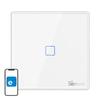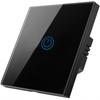


Sonoff Black Touch WiFi Light Switch + Remote Control T3EU1C-TX


 החזר על אי אספקהאחריות על איכותלוגיסטיקה בטוחההגנת פרטיות
תיאור
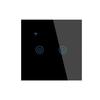
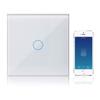
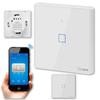
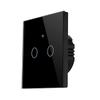
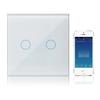
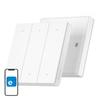
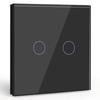
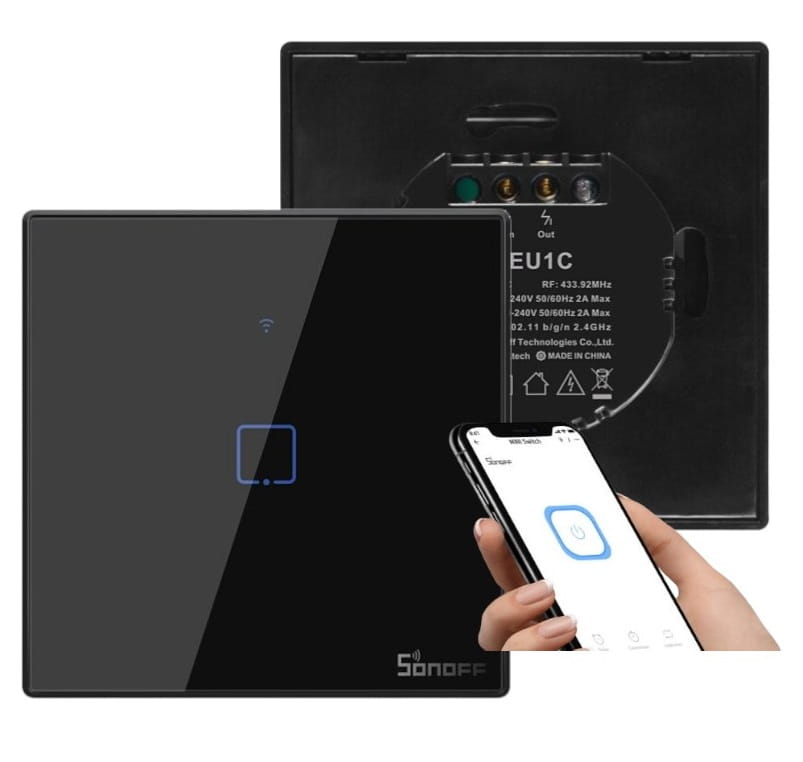
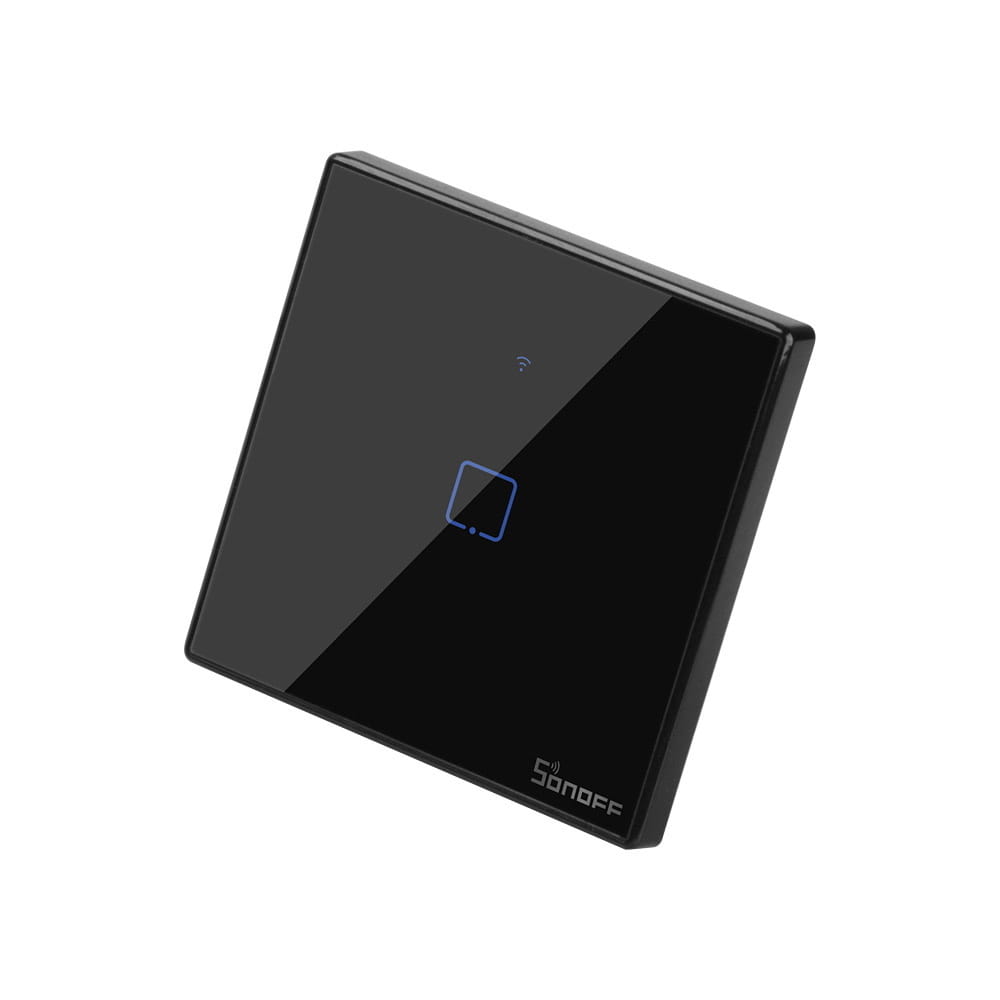
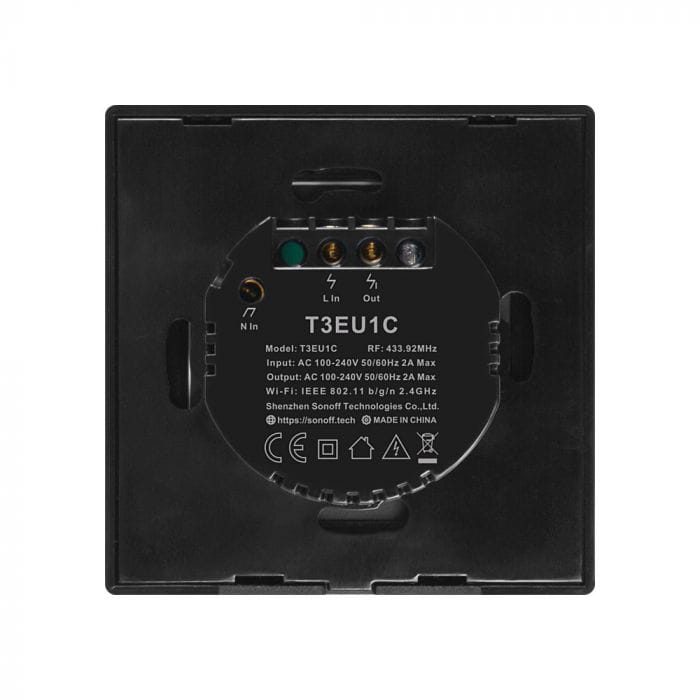
The Sonoff Touch T3EU1C-TX is a black touch-sensitive light switch controlled via Wi-Fi and a 433MHz radio remote control. The switch boasts an elegant design – the front panel is made of tempered glass, and a subtle blue backlight makes it easy to find in the dark. The switch works with eWeLink software, available for iOS and Android devices. The app allows you to control the light and view the current switch status. It also allows you to create timers to turn the light on and off at selected times, as well as create scenarios and scenes. Integration with Amazon Alexa and Google Assistant enables voice control. Compatibility with ifttt ensures compatibility with smart home systems from other manufacturers and lighting control based on factors such as sunrise time or occupancy. Cloud-based control allows you to control the switch from anywhere in the world, but even if the switch has no internet access or poor connection quality, you can still control it within the internal LAN network. This switch is from the latest, significantly improved Sonoff TX series. The main changes are improved touch sensitivity and a new design. Specifications: Standard: EU Power supply voltage: 90~250V AC Maximum load current: 2A Maximum load power: 400W Color: Black Wi-Fi: 802.11 b/g/n WiFi encryption: WPA-PSK/WPA2-PSK Material: Tempered glass + PC Number of channels: 1 Radio control with 433MHz RF remote control Installation and connection: The switch requires two 230V lines, N and L. If you don't have such a connection, we also offer switches that operate without an additional power line. External dimensions of the switch: When the switch is not powered, the touch panel buttons are almost invisible. When powered on, the touch panels gently glow, making it easy to find the switch at night. The backlight is soft enough to be inconspicuous even in a bedroom. After turning on the light, the touch panels glow at almost full brightness. Video demonstrating how to install the eWeLink app, which is required to operate the module: https://youtu.be/wF2xPci1aDo How to add the switch to the eWeLink app https://youtu.be/exS7whmkXp8 Pairing with a radio remote control: Hold down the touch button on the Sonoff switch until you hear one beep, then release the button and press the button on the radio remote control. Successful pairing will be confirmed by a beep. Note: Remote control not included. Radio remote controls compatible with Sonoff touch light switches: Creating a stair switch: The built-in radio receiver in the switches allows you to create a stair switch after pairing with remote controls that look like light switches.