Feature:
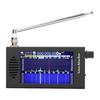
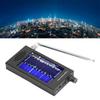
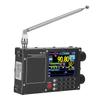
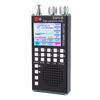
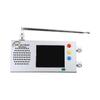
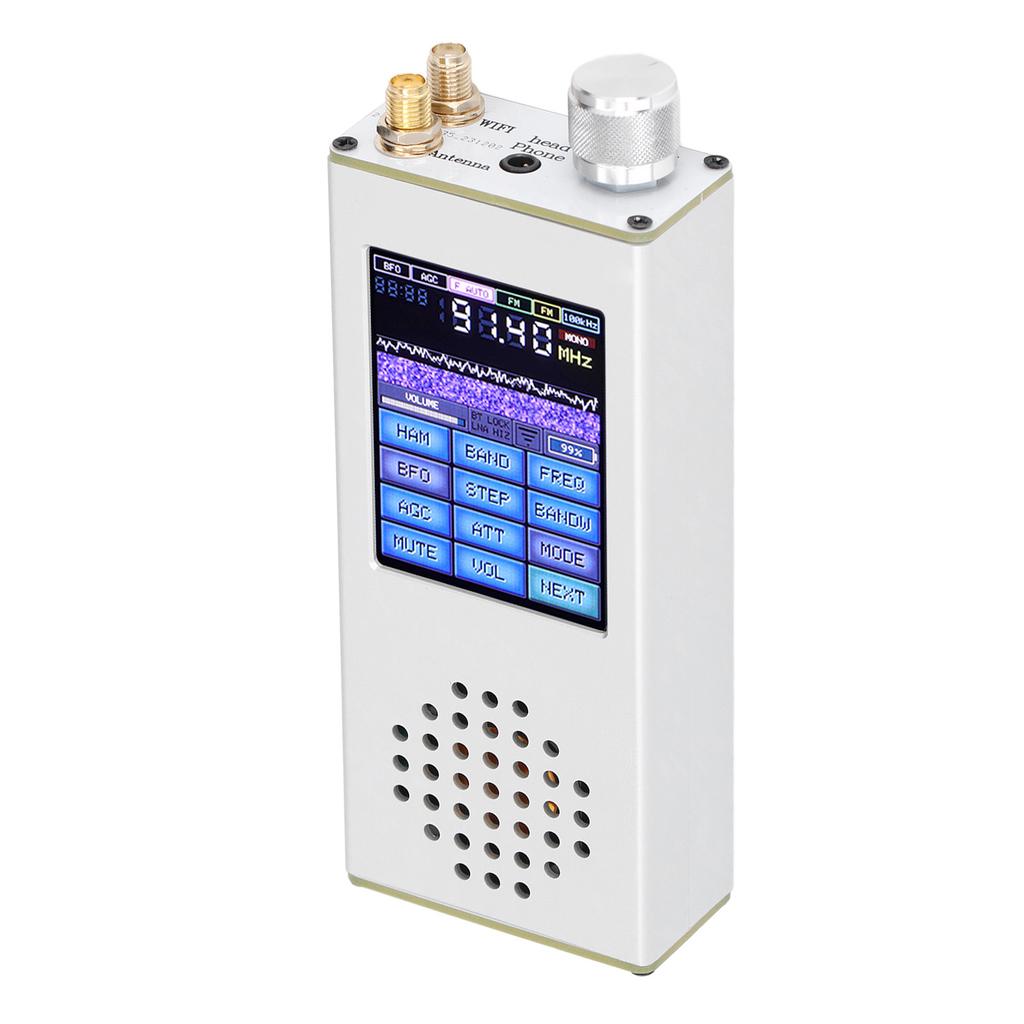
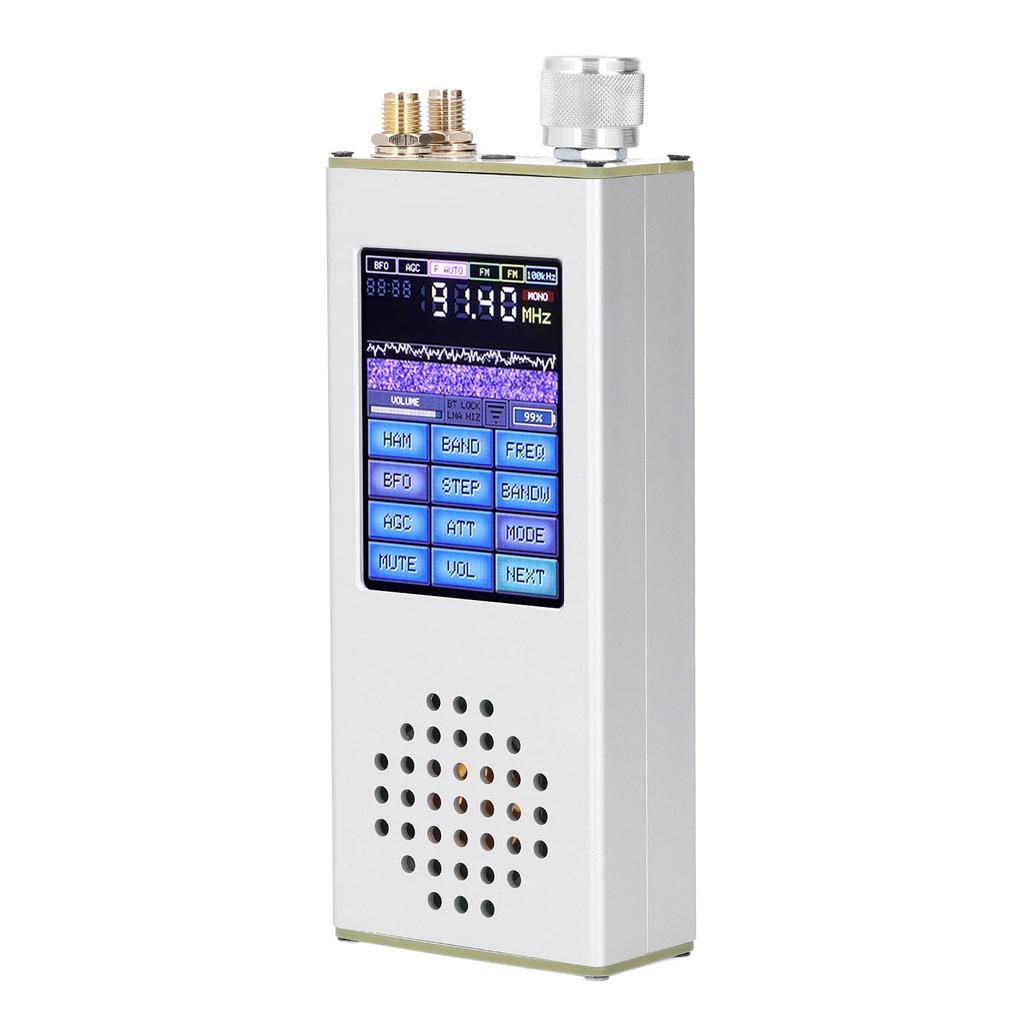
1. 2.4 Inch Touch Screen: This portable radio receiver features a 2.4 inch touch screen with a clear display which is easy to read and operate when in use.
2. Good Performance: This pocket radio receiver adds CW, RTty F4 F8 decoding capabilities and four voice spectra, optimizes memory usage of the microcontroller, speeds up the interface, and adds FT8 and FT4 decoders.
3. High Accuracy: This DSP radio receiver fixes a frequency display error on the ILI9341 screen in FM and CB modes, fixes an sound spectrum output error on the ILI99341 screen, fixes a frequency display error in the city list, fixes an error in displaying the decoder screen in CB mode, fixes an error in displaying the clocks in the medium and long wave ranges in synchronization mode, fixes a screen scrolling error in SCAN, fixed error in starting scanning SYNC modulation in SCAN without muting the sound, fixed error in getting time via RDS.
4. Easy To Operate: This full band receiver adds Bluetooth on indicators, encoder lock and antenna options for all receiver modifications, and quick access panels for Bluetooth settings, encoder lock and antenna options, which can be accessed by clicking on the appropriate indicator.
5. All Band Acceptance: This all band receiver can accept signals from all bands, such as FM, RDS, AM, LW, MW, SW, SSB, DSP, etc. It s very practical and can meet your practical needs.
Specification:
Item Type: Full Band Receiver
Material: Aluminum Alloy
Battery: 1 x 3.7V 4000mAh Built In Lithium Battery
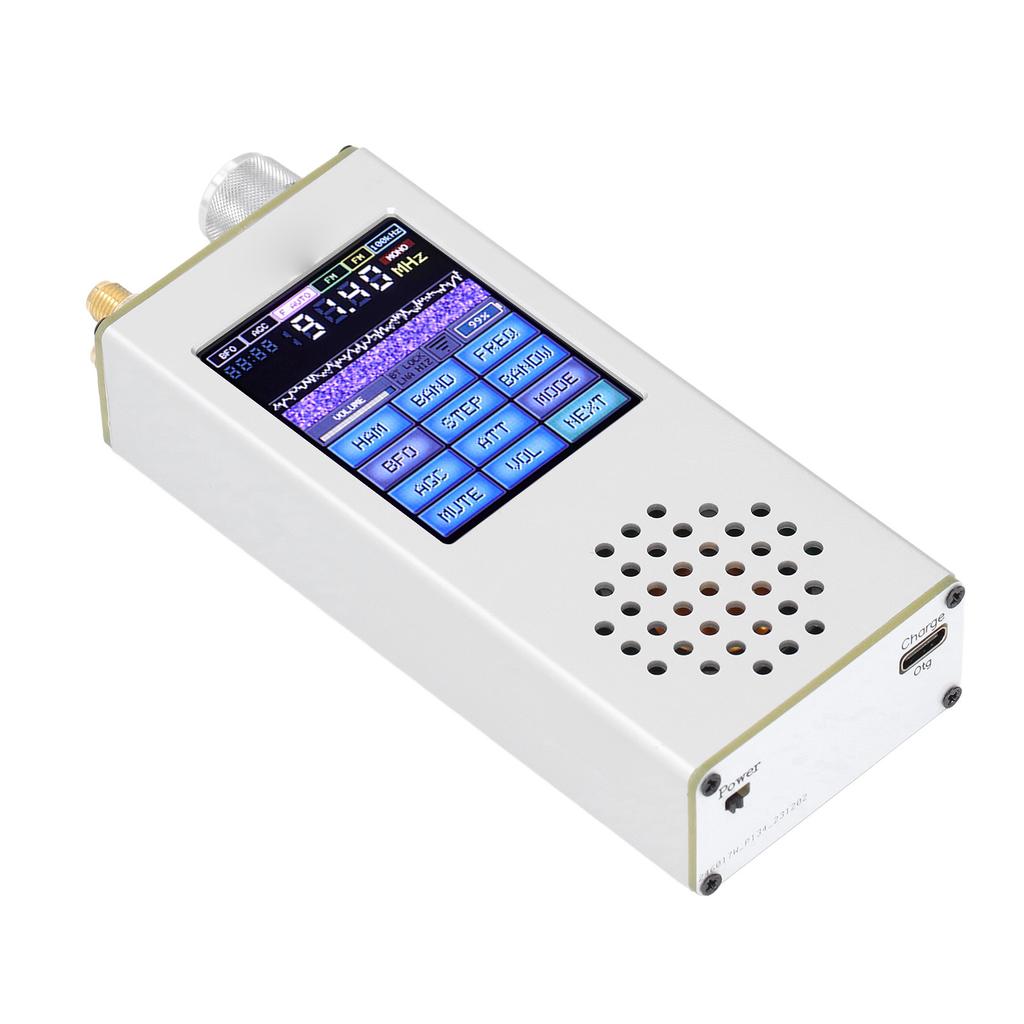
Interface: Type C Charging Port, Maximum 1.2A Charging Current, Type C Upgraded Solution
Supports 3.5mm Stereo Sound Output
For Forian Interface: BNC
Sound: Supports 3.5mm Sound Interface FM Antenna
Screen: 2.4 Inch Touchscreen
Power Output: 1.5W
Size: Approx. 12 x 5 x 2.5cm 4.72 x 1.97 x 0.98in.
Package List:
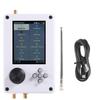
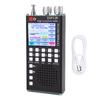
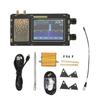
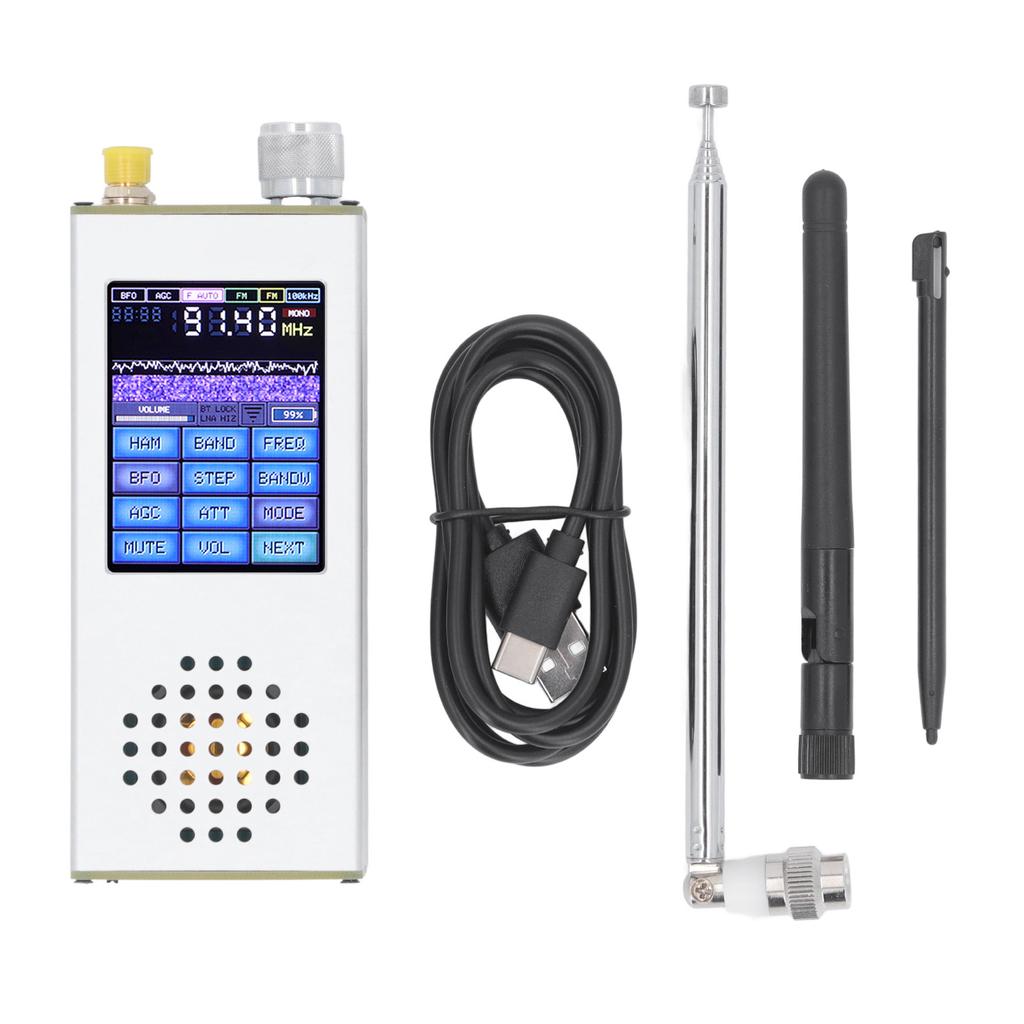
1 x Full Band Receiver
2 x Antenna
1 x Stylus
1 x USB Cable
Note:
1. The for ATS Decoder Pocket is the official authorized version, supporting online firmware updates. 2. Recommendation: WiFi consumes a lot of power. Only use it when activating the button. It usually only displays the date and time, so please turn it off when going out to save battery power.3. How to view the button: Open the panel, click on Info next to it, and then rotate. You can see 8 digits for the button, standard is 12 digits. The key will be stored in the machine for a long time, so no need to worry about firmware update issues.





 החזר על אי אספקה