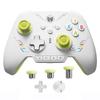
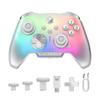
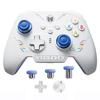
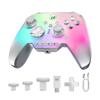
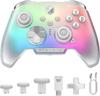
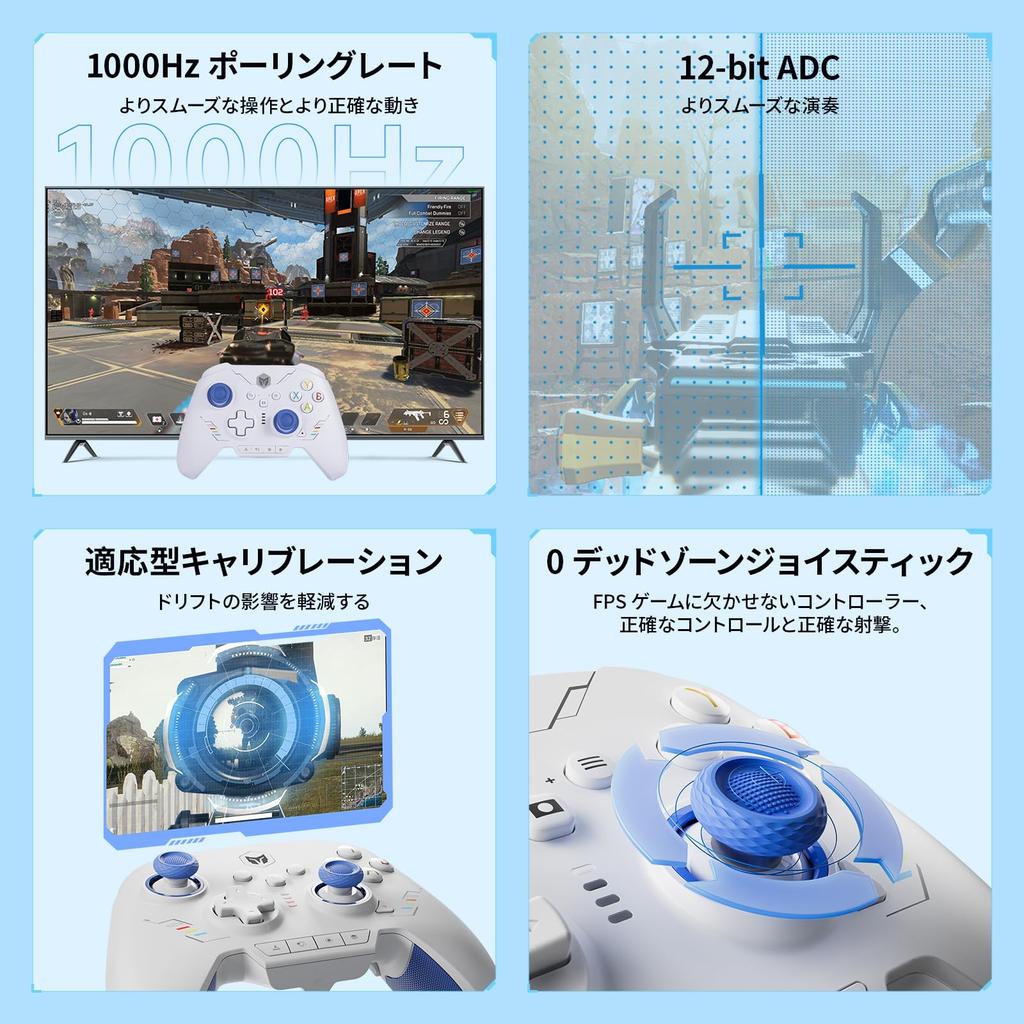
【Multi-Platform Gaming Controller】The Rainbow 2 SE wireless PC controller works with Switch, Windows 10 & 11, Android 7.0+, and iOS 14.0+. The PC controller features two custom back buttons, two top buttons, motion aiming, turbo, Marco, dual motors, Hall effect triggers, three sets of joysticks, 4-way and 8-way directional pads, a 1000Hz wired polling rate, 2000 levels of axis resolution, built-in Bluetooth, keyboard mapping, and compatibility with PC apps (not supported on mobile phones). 【Audio is not supported】
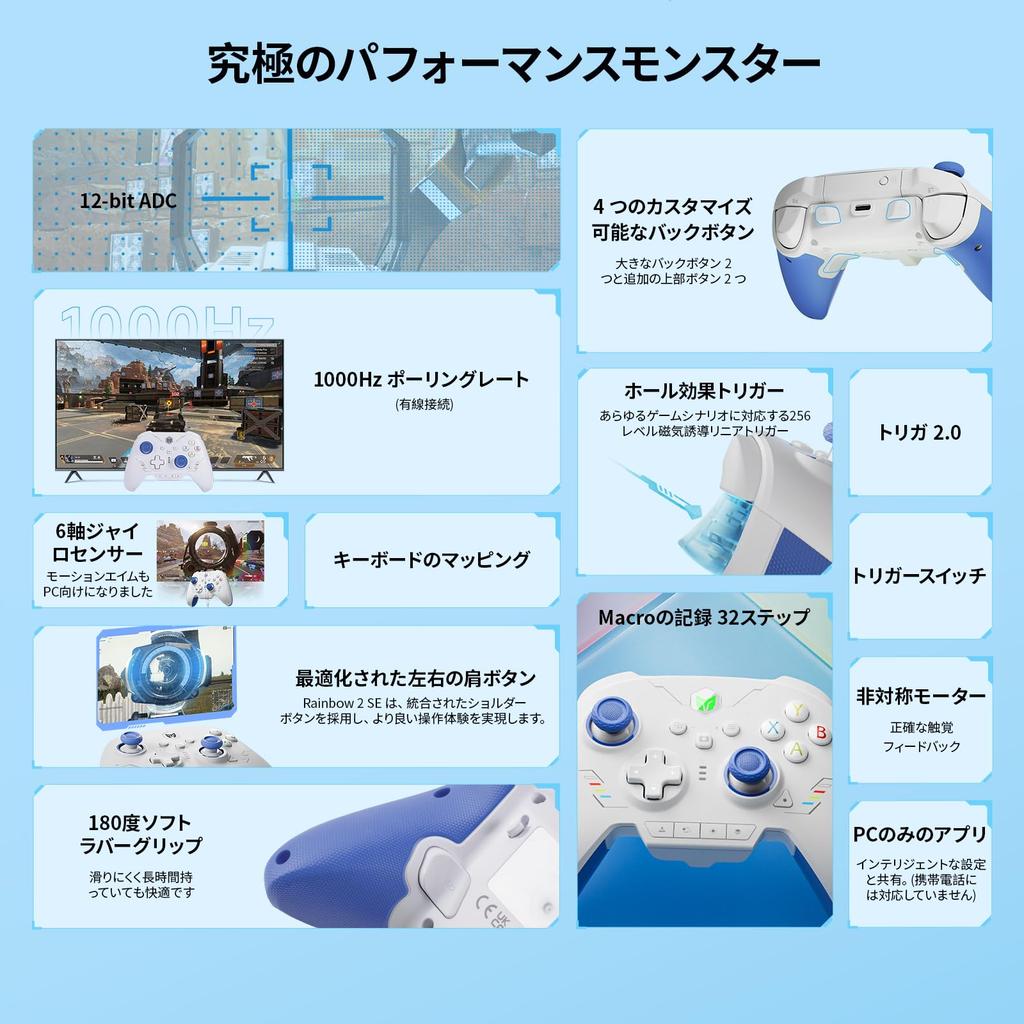
【2.4G USB & Bluetooth & Wired Connection】This wireless game controller helps you easily play games via a 2.4G wireless dongle, Bluetooth, or USB cable to connect to various consoles, providing a highly reliable signal and connection without interference, which is also helpful for gameplay. It offers more freedom and flexibility of operation compared to other game controllers. 【Ultra-Fast Polling Rate】Wired polling rate: 1000Hz, 2.4G; Bluetooth wireless polling rate: 125Hz.
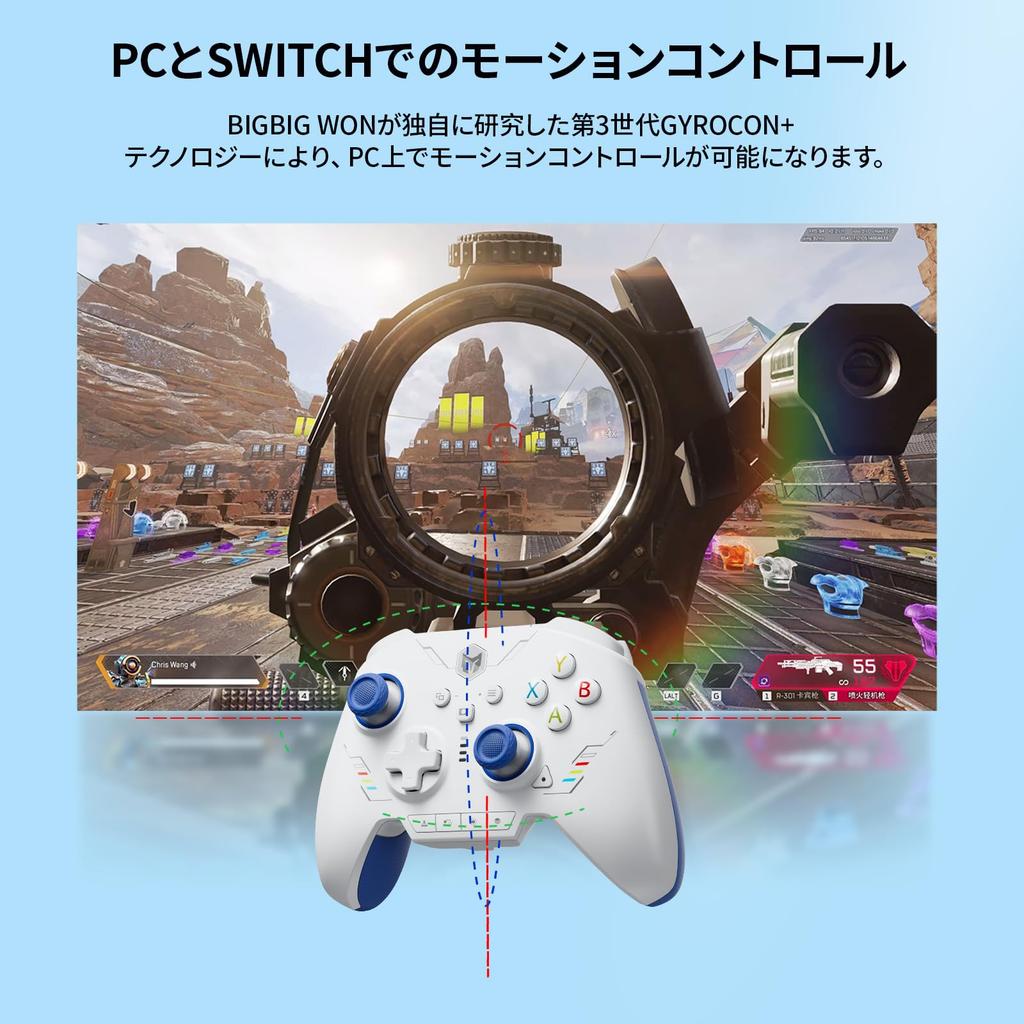
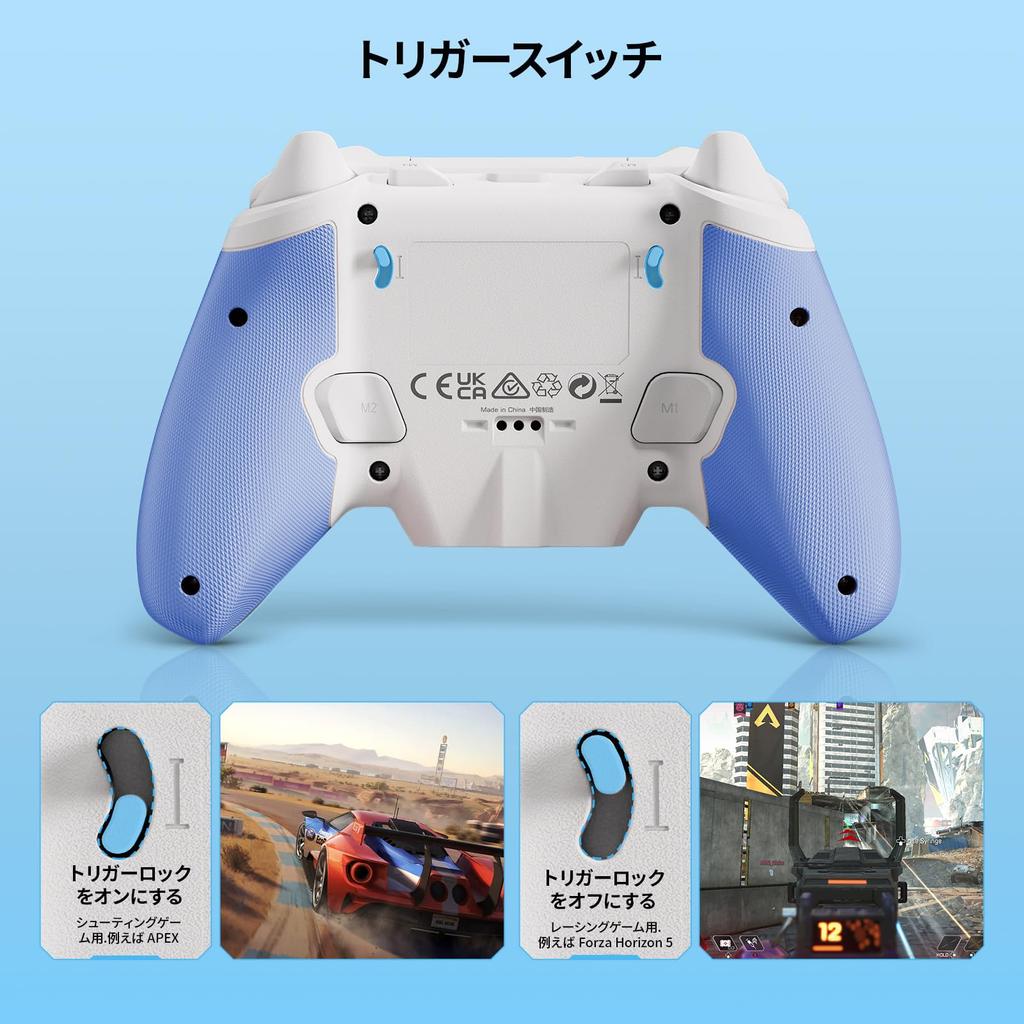
【6-Axis Gyro Motion Sensor】BIGBIG WON's self-developed 3rd generation GYROCON+ Tech PC gaming controller enables motion control on your PC. Do not enable the Switch's motion aiming function. The Switch supports native motion control. 【Hall Effect Triggers】The Bluetooth controller's 256 levels of hall triggers provide precise control with short pulls in shooting games such as racing, quick fire, and APEX, and long pulls in racing games like Forza Horizon 5.
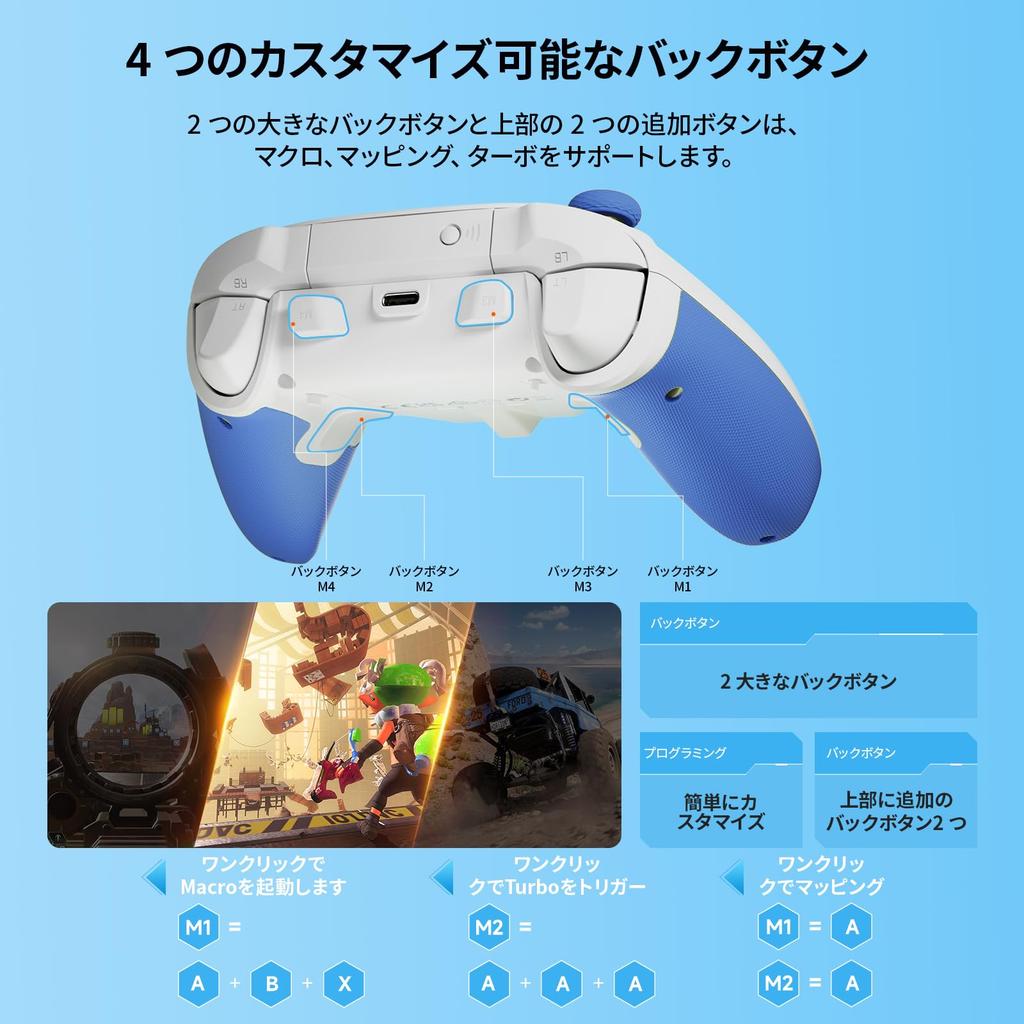
【Four Customizable Buttons】With two back buttons and two additional top buttons, this PC gaming controller offers macro, turbo, and button remapping functions. 【Macros】32-step macros save you time and make editing easy. 【Dual Motor Vibration】This PC game controller provides an immersive gaming experience. Try your preferred intensity from RAINBOW 2 SE's 255 levels of vibration.
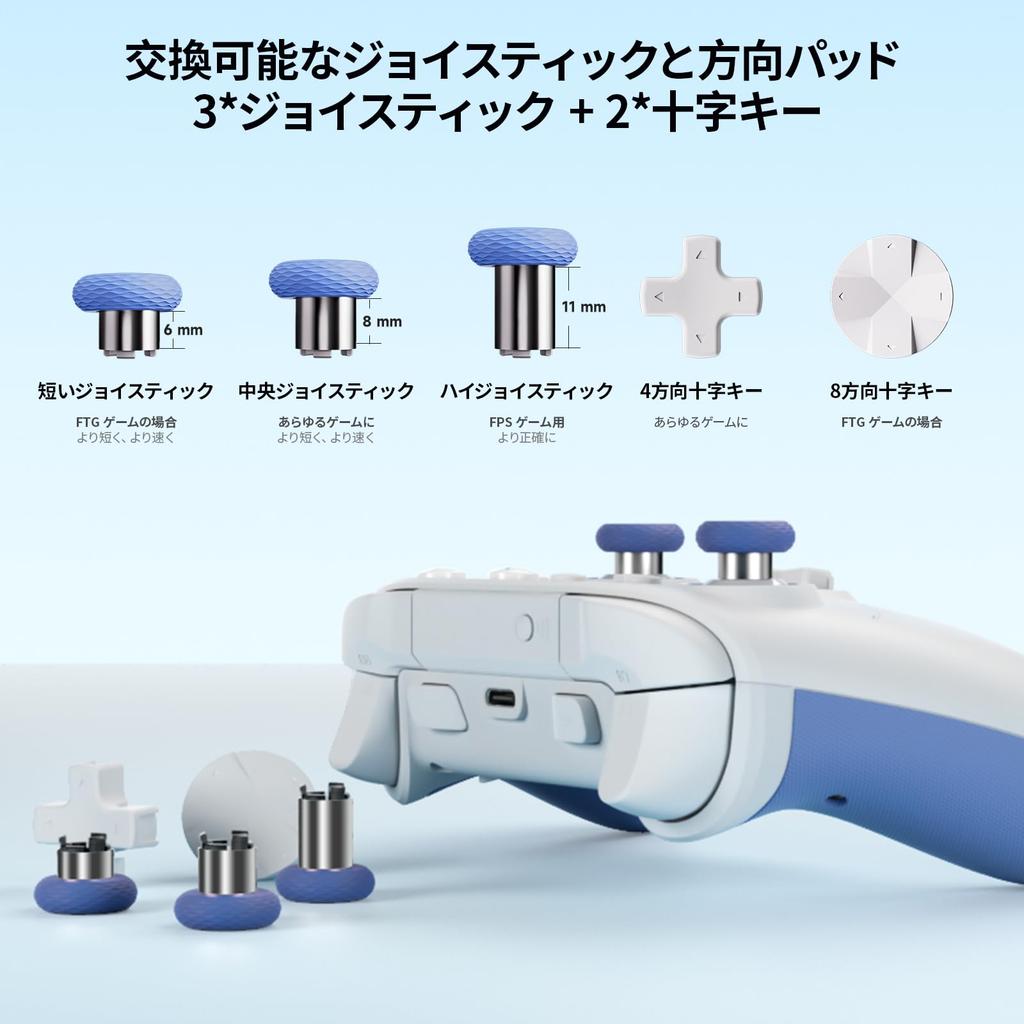
【12-bit ADC Joystick】With a 12-bit chip and 2000 levels of axis resolution, you can control your games more smoothly. The Rainbow 2 SE controller has three sets of joysticks: short/medium/high. BIGBIG WON adaptive calibration minimizes drift even without manual operation. 【0 Dead Zone】This gaming controller for FPS games ensures precise control and accurate shooting. 【4-Way & 8-Way Directional Pad】The 4-way directional pad is designed for all games, while the 8-way directional pad is especially suitable for FTG games. Choose your preferred configuration.
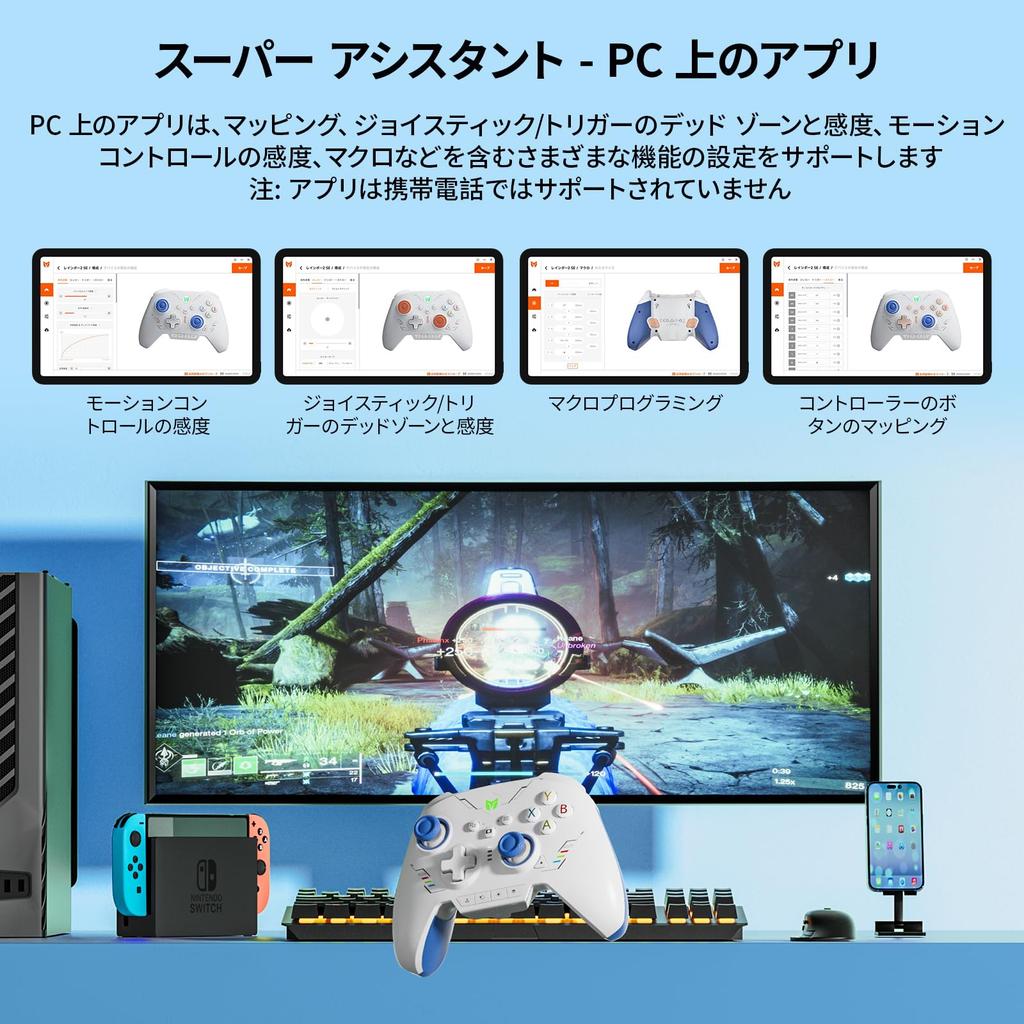
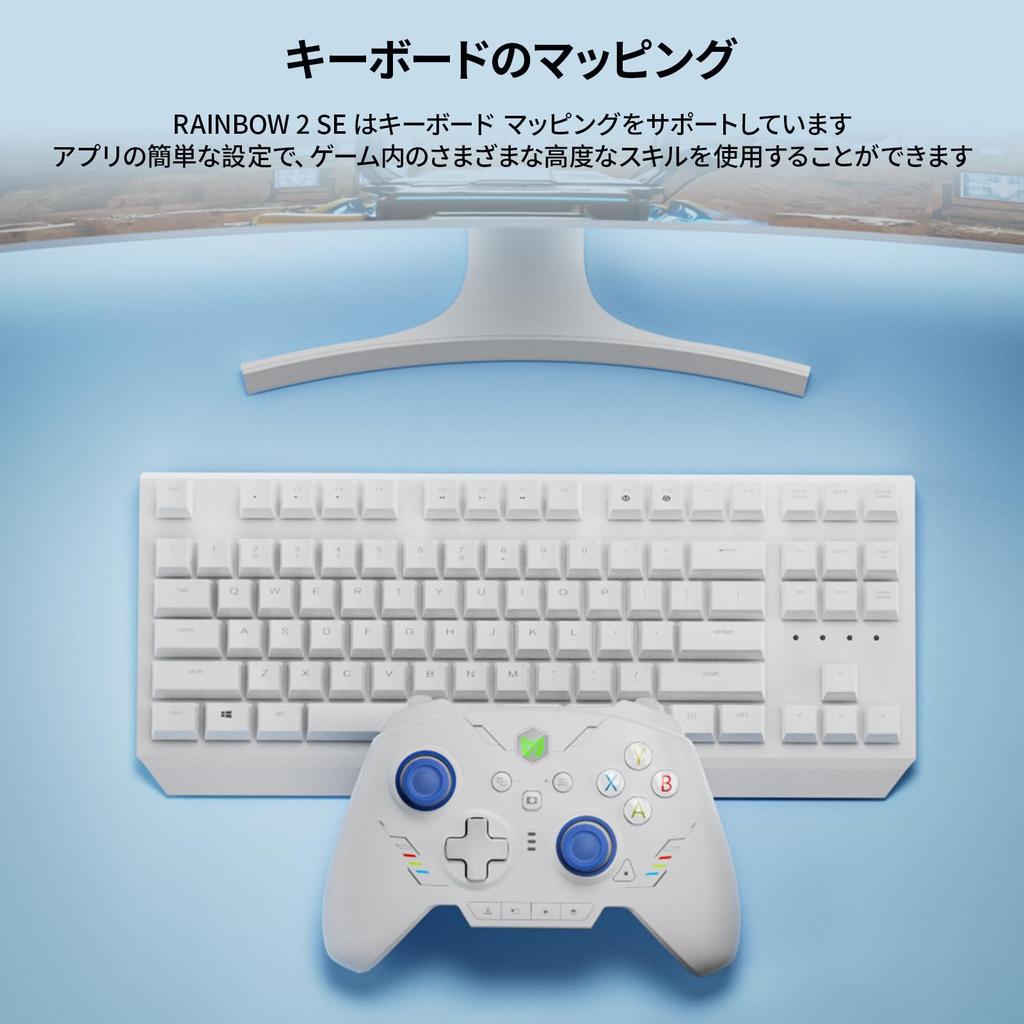
[App on PC] The Rainbow 2 SE wired controller supports app customization and quick settings on PC. You can easily adjust motion controls, joysticks, triggers, buttons, and macros. The app is not supported on mobile devices. [Keyboard Mapping] The RAINBOW 2 SE wireless game controller supports keyboard mapping. You can use various advanced skills in the game with easy settings in the app. [Reset] Press and hold the HOME button for 10 seconds until the controller vibrates.
【Package Contents】1 * BIGBIG WON Rainbow 2 SE Gamepad, 3 pairs of joysticks, 1 * 4-way D-pad, 1 * 8-way D-pad, 1 * 2.4G USB dongle, 1 * Type-C cable, 1 * User manual. All BIGBIG WON wireless Bluetooth controllers are strictly and carefully inspected before shipment for quality assurance and will deliver a complete product without defects. 30-day free replacement or full refund, lifetime service for all pre- and after-sales questions, we are always here and with you!
[Notes] The RAINBOW 2 SE controller supports both X-input mode and Switch mode. To use it correctly, you need to switch to the corresponding console mode after connecting it to your console. The default is X-input mode. [Steam] It is recommended to block Steam output to protect the controller's origin input. [Switch] After connecting to your Switch, you need to enable "Settings - Controllers and Sensors - Wired Pro Controller Connection".
[Solutions for abnormal key presses] 1. Open the app and connect the controller via wired connection. 2. Delete the configuration file. 3. Reset the controller (press and hold until the controller logo vibrates). 4. Reconnect to the app and create a new configuration. The controller does not have NFC, so it cannot recognize amiibo.
[Issues where the controller cannot be updated or the PC tool does not recognize the controller] The controller or PC tool can only be updated via a wired connection. Please close your antivirus app to complete the download and upgrade successfully. What should I do if the joystick moves randomly after pressing the A button after updating the firmware? 1. Reset the controller (press and hold the controller logo until it vibrates). 2. Connect to the BIGBIG WON App and delete the configuration file. 3. Save the new configuration and apply it again.
Controller for Nintendo Switch 2 BIGBIG WON Rainbow 2 SE, Motion Control, Hall Effect Trigger, 12-bit ADC, Turbo Function, 8-Way D-pad, Joystick, 3-Piece Set, PC APP Gamepad for Switch/PC/Android/iOS (Blue)



 החזר על אי אספקה