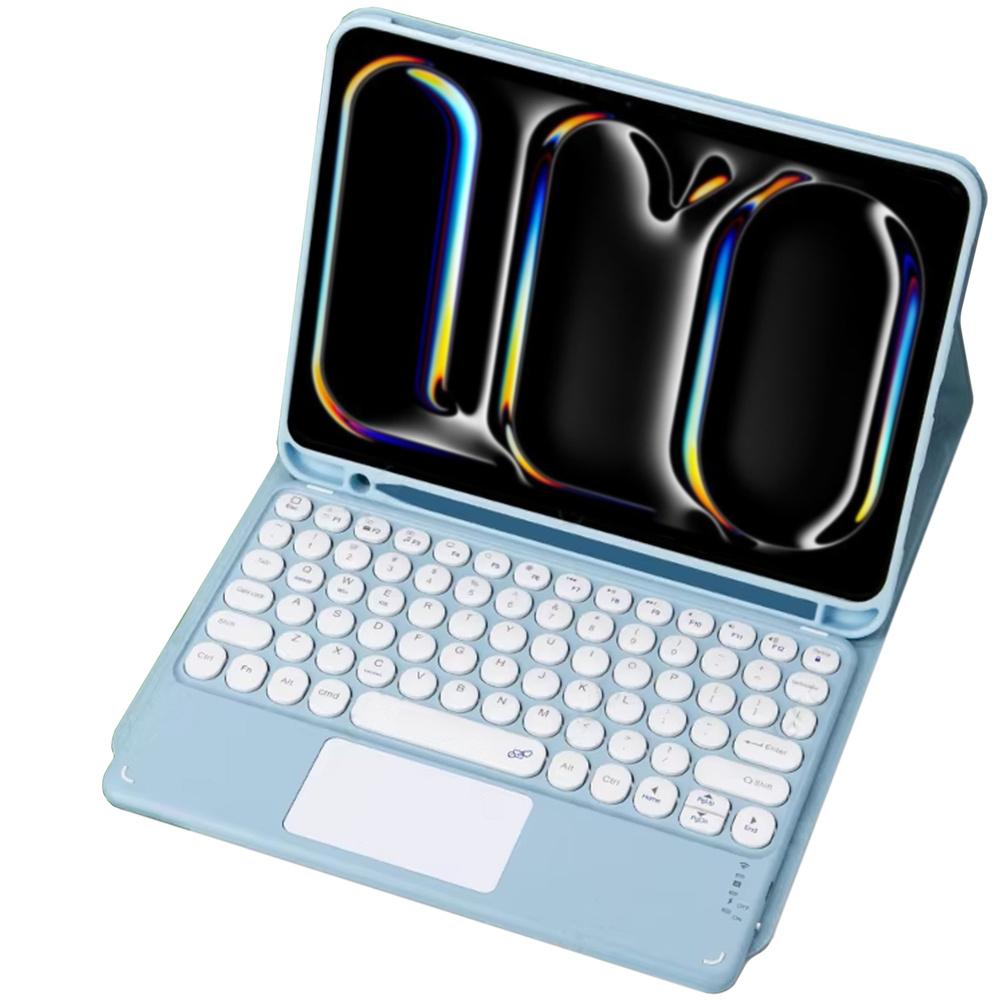
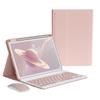
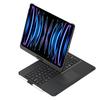
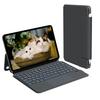
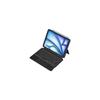
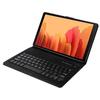
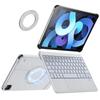
iPad Pro 11 Gen5 Bluetooth Keyboard Case with Touchpad (Blue)
מחיר נוכחי
מחיר 43 ₪
משלוח חינם לישראל
24-29 ביוני
התשלומים והפרטיות שלך בטוחים
החזר על אי אספקה
אחריות על איכות
לוגיסטיקה בטוחה
הגנת פרטיות
תיאור
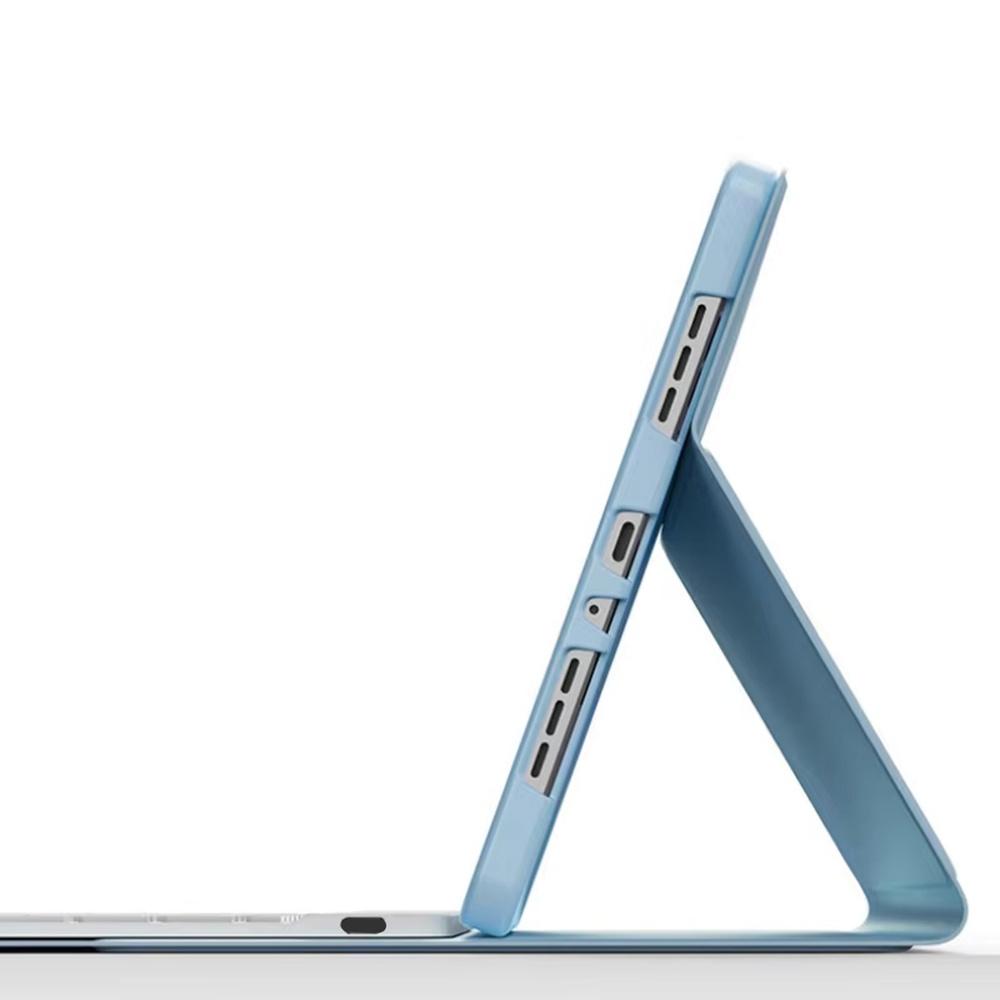
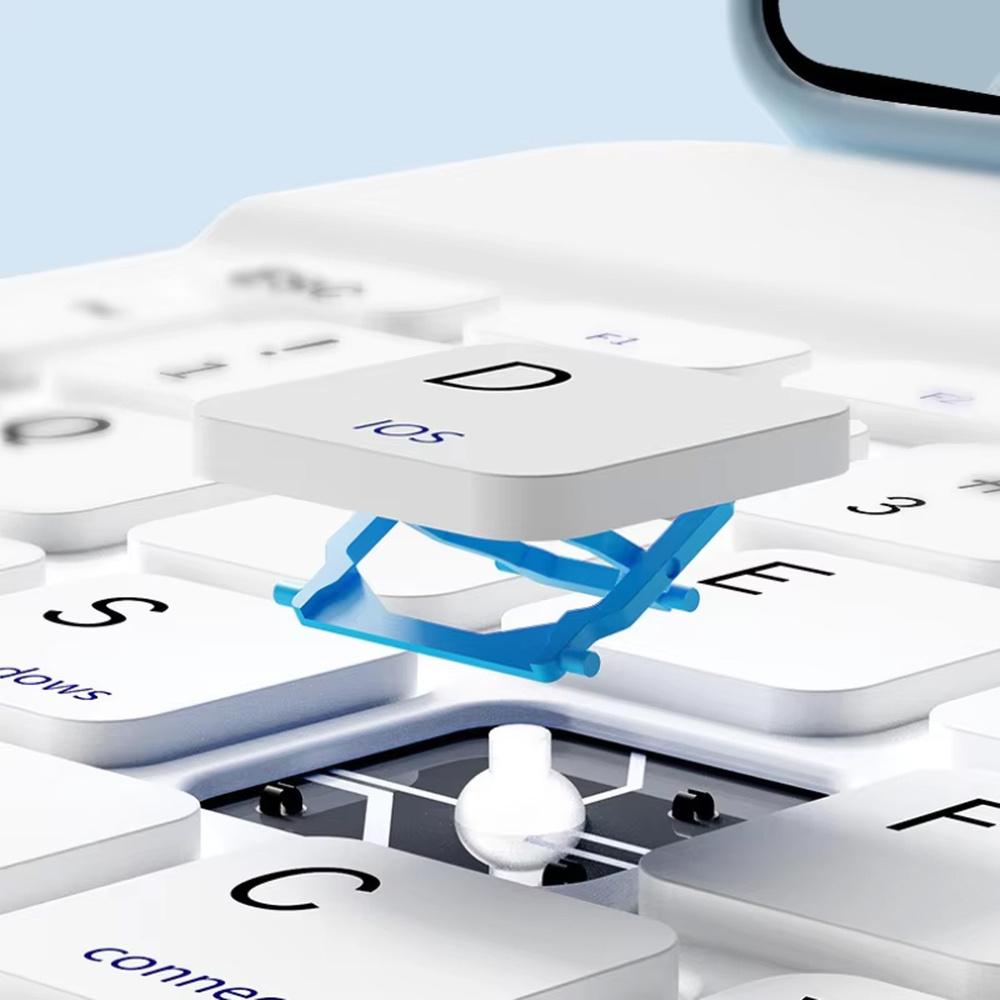
Colorful case with touchpad keyboard for iPad Pro 11 Gen 5 A2836 A2837 A300 EAN code: 5905101597389 The case with keyboard is the perfect solution for users who value both functionality and elegance. Thanks to well-thought-out technologies such as magnetic keyboard mounting and an integrated touchpad, your tablet will become a versatile and effective tool. ✔️ Fits Apple iPad Pro 11 Gen 5 A2836 A2837 A300 ✔️ Magnetic clip closing the case ✔️ Magnetic keyboard mounting ✔️ Bluetooth keyboard ✔️ Built-in touchpad ✔️ LEDs informing about the device's status ✔️ Cutout in the case for the camera ✔️ Precise fit to the shape of the tablet The subject of the offer is: Case with keyboard USB - USB cable C Original manufacturer's packaging Specification: Condition: New Type: Case Dedicated brand: Apple Screen size: 13" Material: eco-leather Closure: Yes - magnetic Built-in touchpad: Yes Keyboard attachment method: Built-in magnets Type: replacement Fits model: iPad Pro 11 Gen 5 A2836 A2837 A300 Working time on a single charge: 50 h Built-in battery: 140 mAh Bluetooth version: 3.0 Color: Blue Device Pairing - Keyboard Shortcuts The product is paired with the tablet via Bluetooth. To begin pairing, turn on the keyboard by sliding the switch to "On." Next, press the "Fn" and "C" buttons simultaneously on the keyboard. After completing the above steps, the keyboard will enter pairing mode, and you will be able to find it in the Bluetooth menu of the target device. After selecting the device on the tablet, a message with the pairing code will appear on the screen - enter the code on the keyboard and then confirm by clicking the "ENTER" key on the keyboard. Magnetic latch and keyboard attachment The case is closed with a magnetic latch located on the leather band of the case. The keyboard itself has small magnets in the corners of the case that ensure it rests on the surface of the case itself, so that when closed, the keyboard does not slide out or fall out. Status LEDs The lower right corner of the keyboard is equipped with status LEDs that indicate whether the device is turned on/charging and in what mode. working.