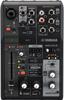
Yamaha (YAMAHA) live streaming mixer 3 channel black AG03MK2 B
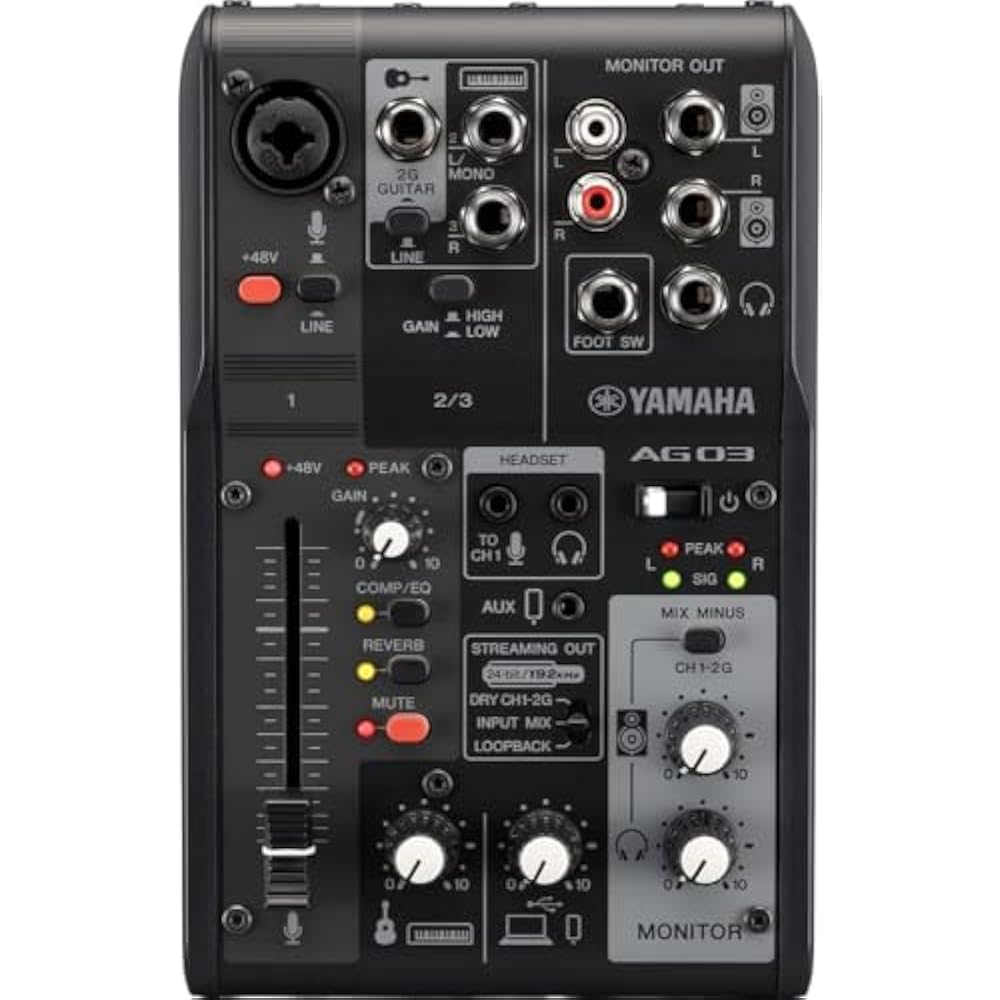
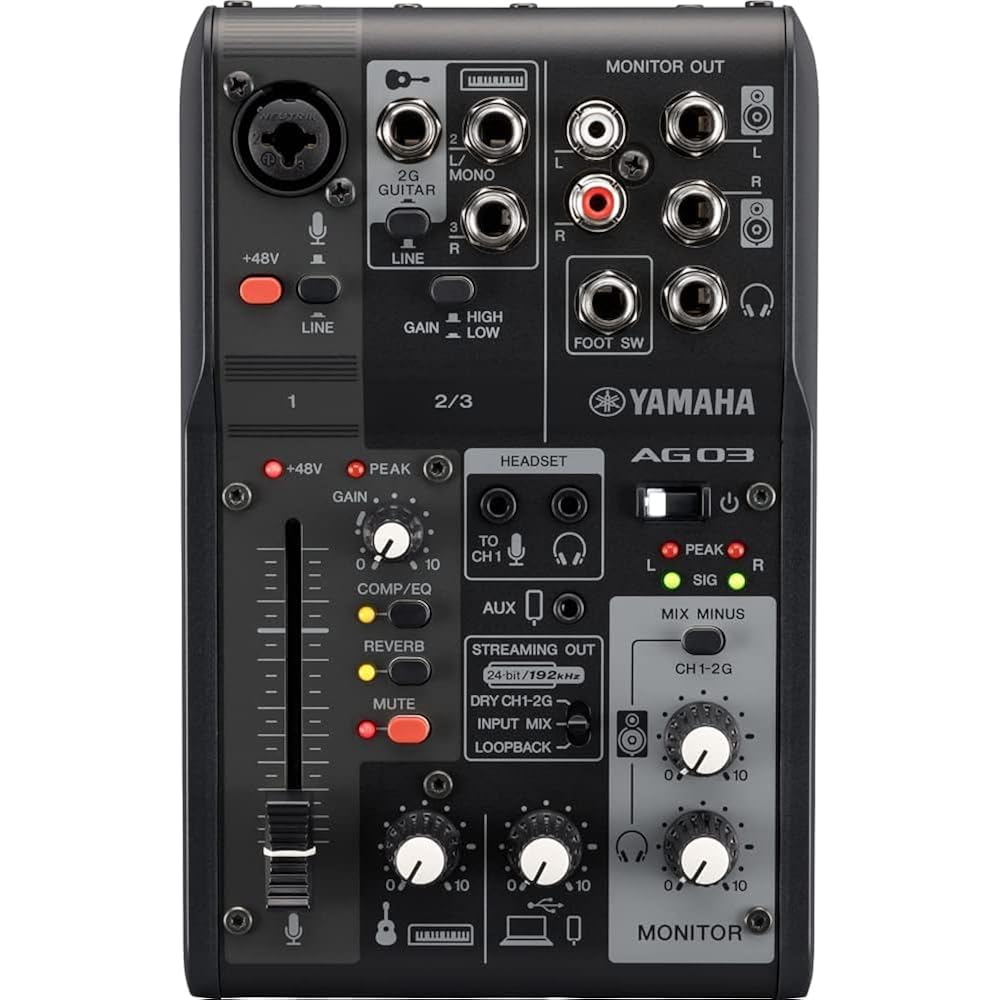
60 mm fader (CH1)
+48V phantom power (CH1)
Microphone gain: up to +60dB
Hi-Z input for electric guitars (CH2)
High resolution (24-bit 192 kHz) 2-track recording playback
Flexible LOOPBACK function
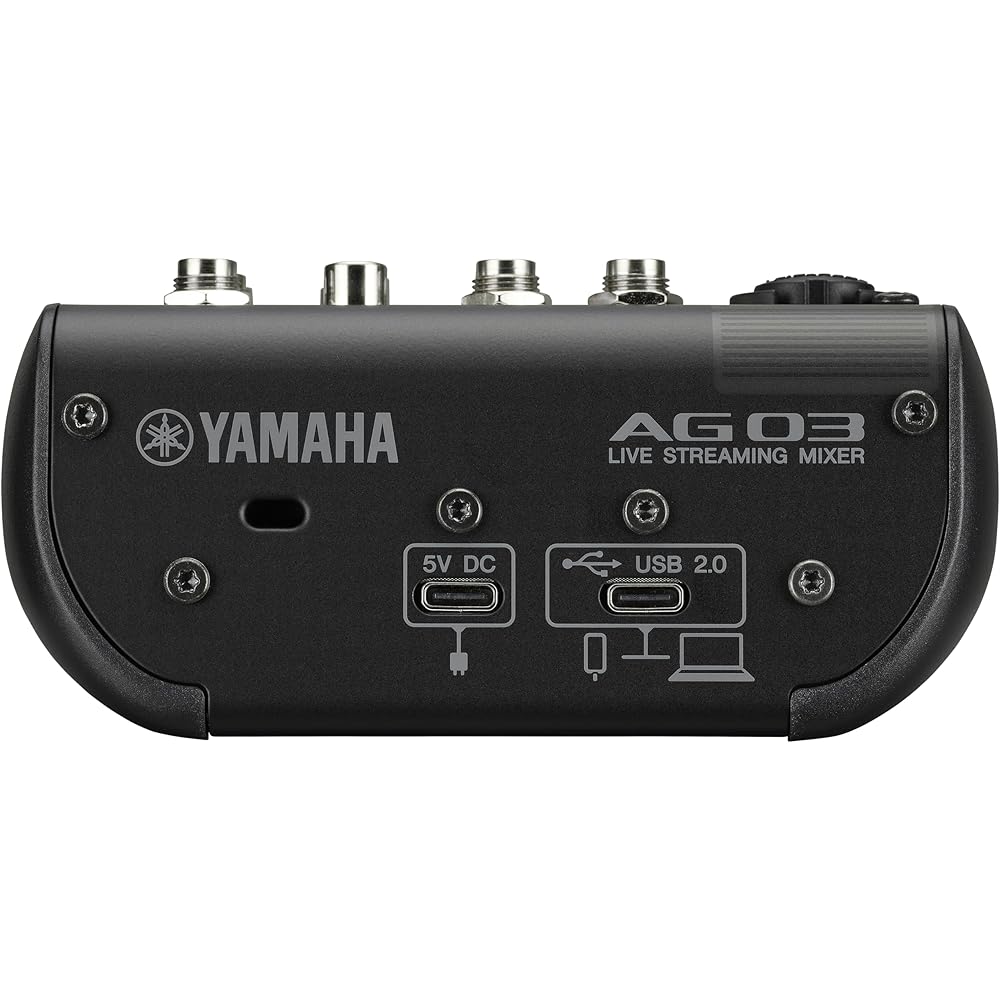
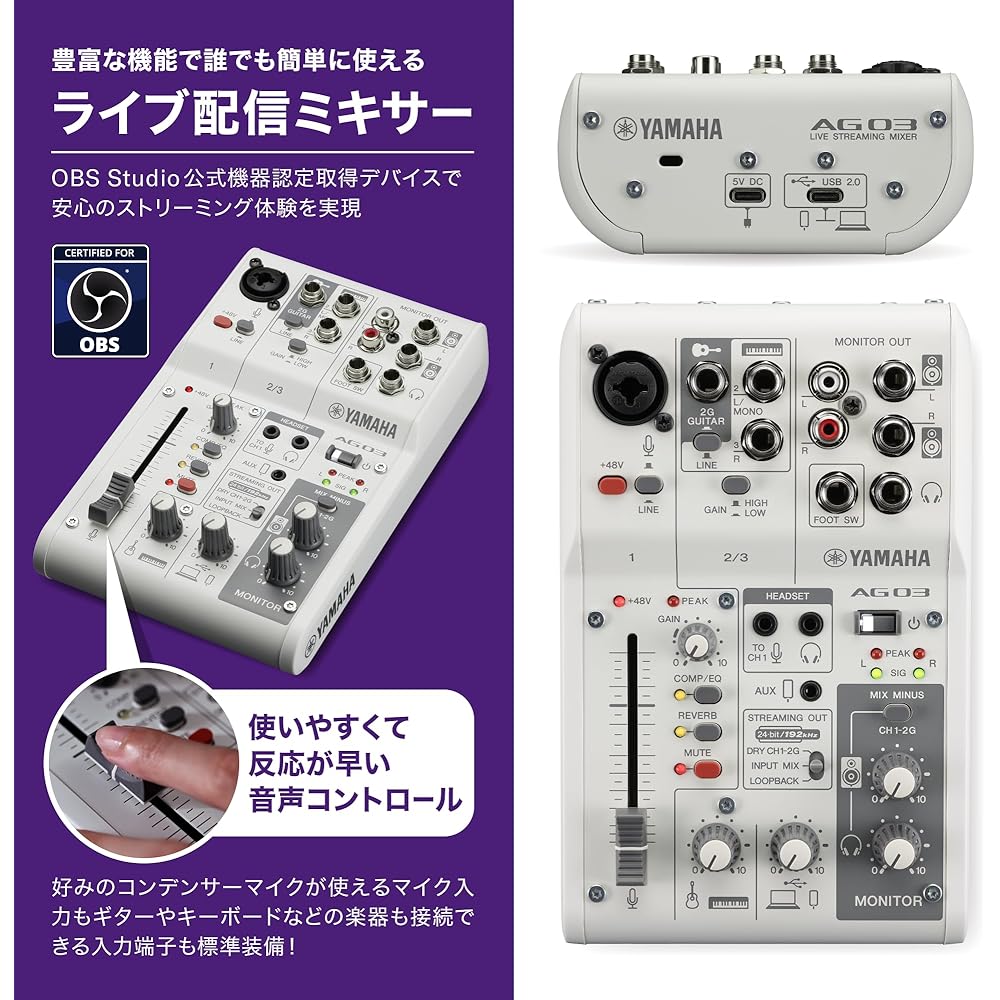
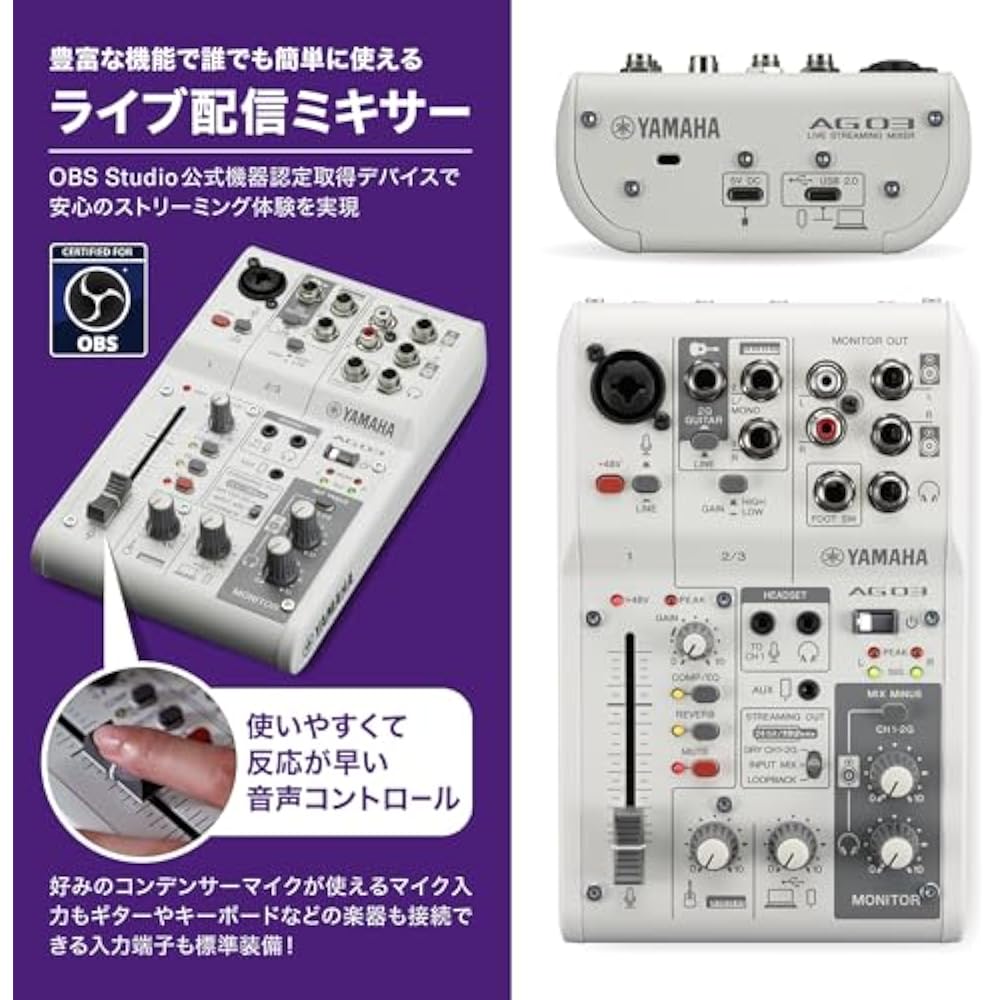
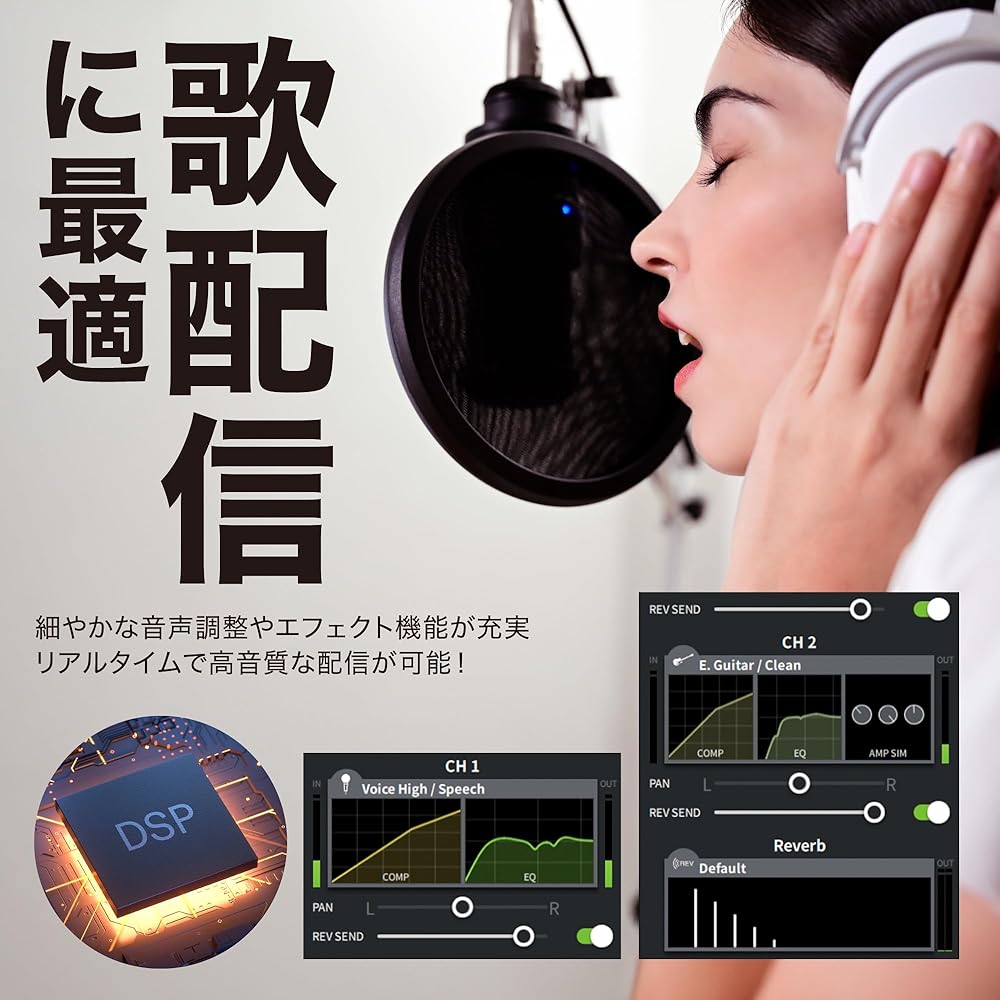
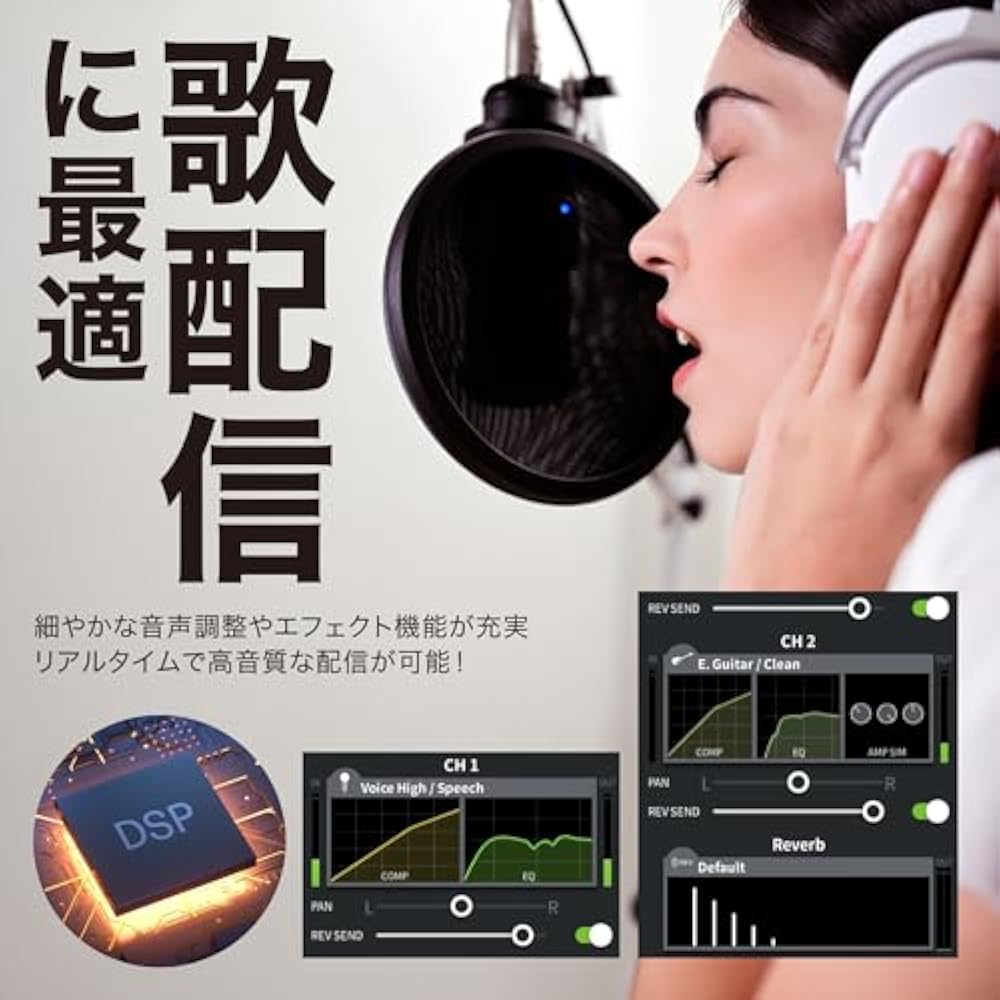
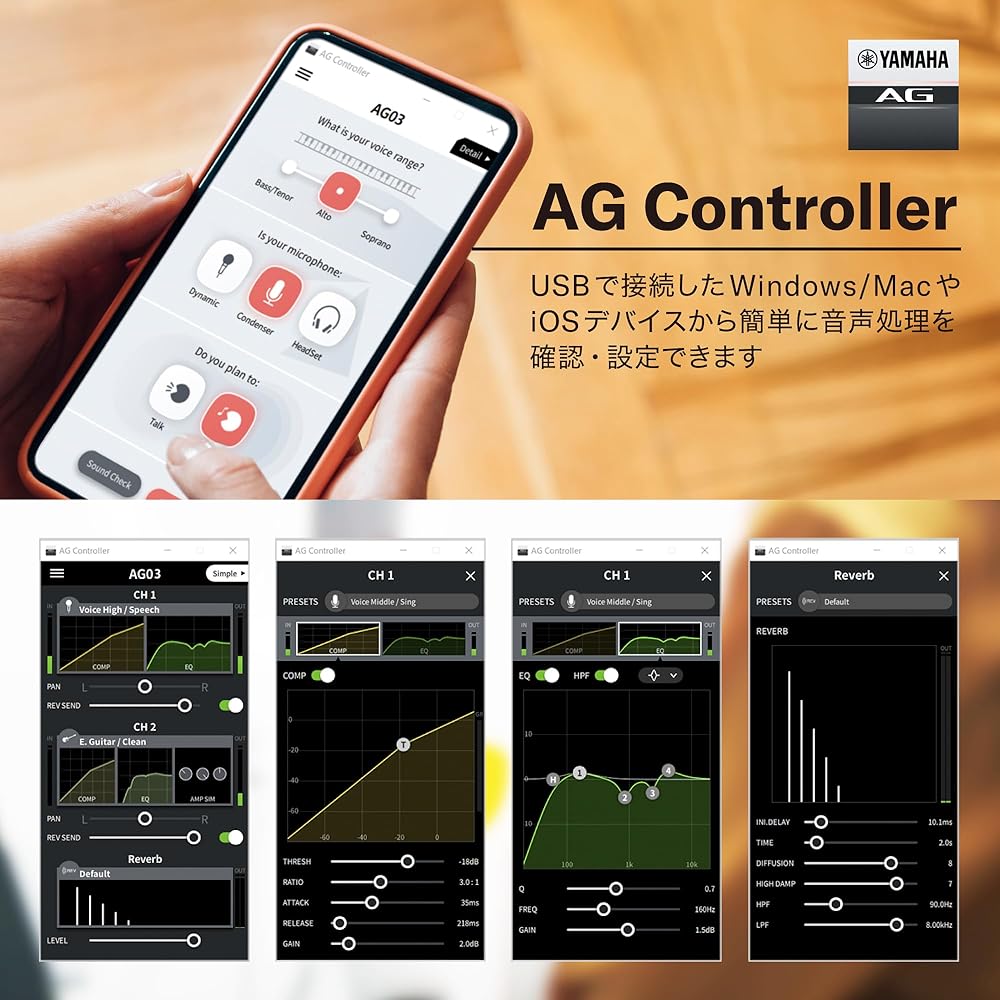
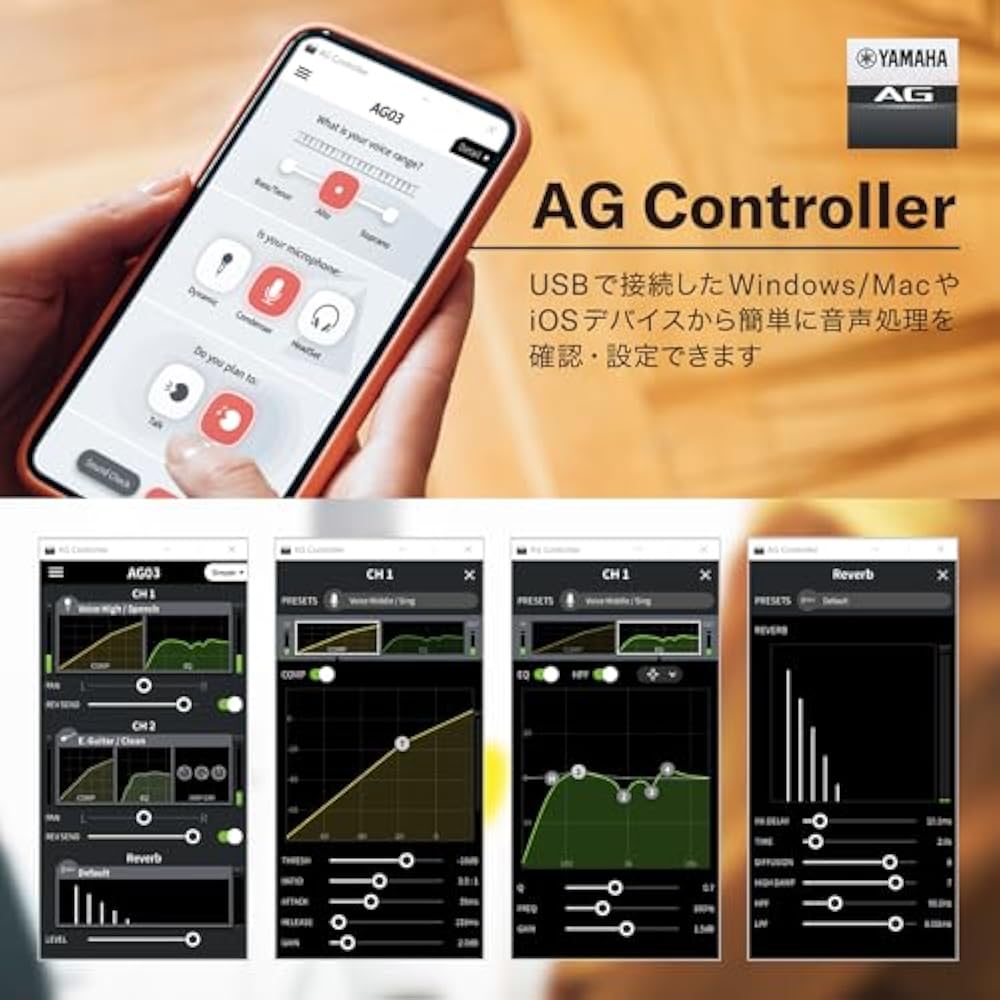
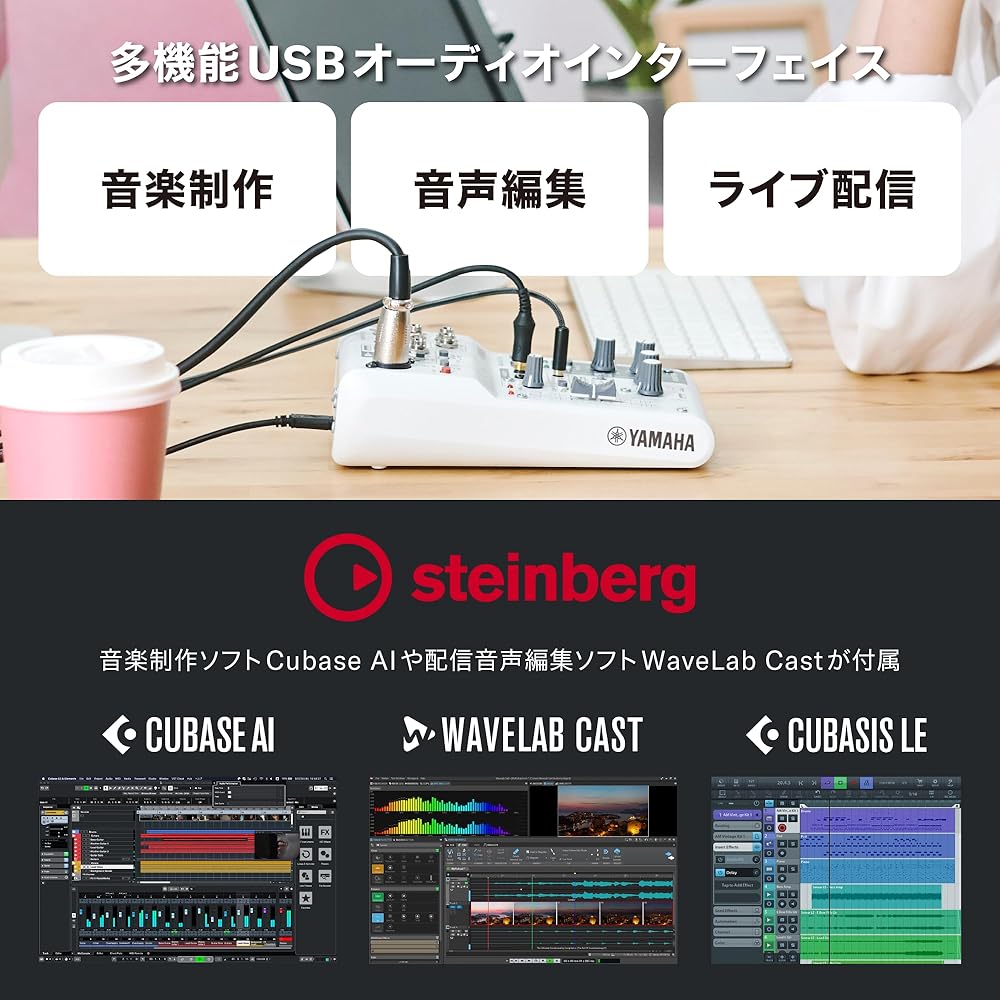
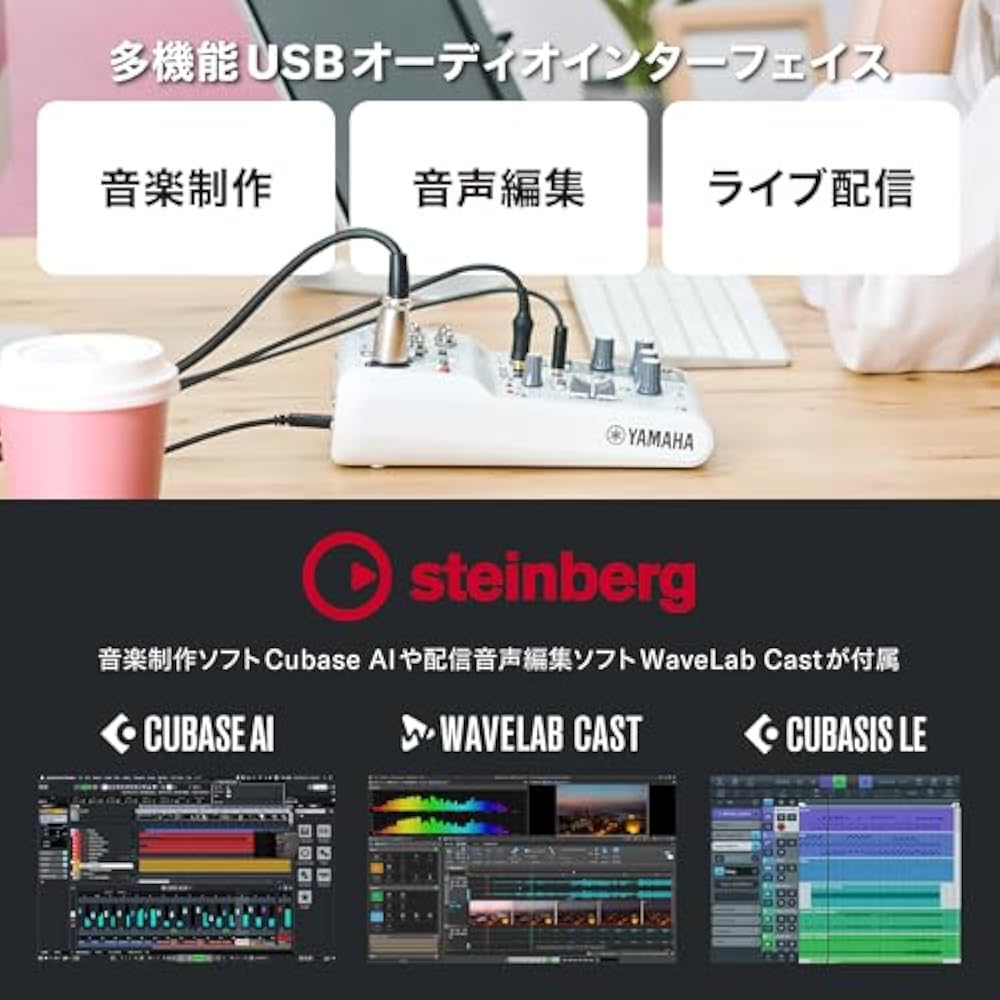
The AG03MK2 is the successor to the AG03, which incorporates a variety of carefully selected inputs/outputs, DSP effects, and loopback functions, all at a higher level into a mixer-type product that can be directly and easily controlled. Sound quality was improved by installing a 4-pole mini input/output terminal to support the new distribution style, a mute button essential for live streaming, and improved power supply to the internal circuit. The AG03MK2 is a live streaming mixer perfect for building your own streaming environment by combining it with your favorite microphone or headset. ■Mixer optimized for live streaming (live streaming) This mixer is optimized for live streaming via PC, smartphone, or tablet. It has various connections such as microphones/headsets, microphones, BGM players, musical instruments, earphones/headphones, speakers, etc., and a user interface that can be operated instantaneously, and sound processing (COMP/EQ) using DSP also enables comfortable live streaming. Also, in addition to improving sound quality, a “mute” button was added to the “MK2.” Operation with a foot switch is also supported, and convenience has been further improved. ■ Support for Android devices equipped with an “AUX smartphone input/output terminal” In addition to digital connections to PC/iPhone/iPad using conventional “USB terminals,” the “AG03MK2/AG06MK2” now also supports analog connections to Android devices using an “AUX smartphone input/output terminal” (can also be used with iPhone/iPad). Since it can also be used simultaneously with a USB terminal, it can be used for a wide range of purposes, such as simultaneous streaming using 2 devices and guest participation from a 2nd device. * Use a 4-pole 3.5mm stereo mini cable sold separately to connect to the AUX smartphone input/output terminal. ■Detailed settings and tutorials using the editor application (Windows/Mac version, iPhone version) In the Windows/Mac version and iPhone version of the AG series dedicated editor app, in addition to the “detail (detail) mode,” which allows detailed settings such as the main unit's COMP (compressor), EQ, reverb, guitar amp simulator, etc., I will explain the operation until sound is first emitted from the microphone after introduction It is equipped with a “Simple (Simple) Mode”. Since microphone sound can also be recorded/checked in the tutorial, we will support even the first connection while actually checking it.



 החזר על אי אספקה